
Schedule Product Posts Across Social Channels Without Copy-Pasting Everything
Scheduling product posts starts before you pick a time slot. Create one reliable product content record, then adapt the copy […]
Read ArticleScheduling product posts starts before you pick a time slot. Create one reliable product content record, then adapt the copy […]
Read ArticleAn API call is a structured exchange: a client sends a request to an endpoint and a server returns a […]
Read ArticleTrying to fix structure, wording, spelling, and formatting in one read makes it easy to miss problems. A better workflow […]
Read ArticleBetter AI product images usually start with a clear creative decision, not an endlessly longer prompt. Define what the image […]
Read ArticleA font that looks attractive in a specimen is not automatically a good website font. Arabic interfaces need legibility at […]
Read ArticleBody mass index (BMI) relates weight to height and is commonly used as a screening measure for adults. It does […]
Read ArticleExact age is not simply total days divided by 365. Months have different lengths and leap years add extra days, […]
Read ArticleDate conversion is more than changing the way numbers are written. The Hijri calendar is lunar while the Gregorian calendar […]
Read ArticleSaudi Arabia’s standard VAT rate has been 15% since July 2020 for taxable supplies covered by the standard rate. The […]
Read ArticleA monthly payment is easy to compare, but it does not describe the full cost of borrowing. Extending a loan […]
Read ArticleThere is no single correct pixel size for every website icon. A compact input icon, a toolbar action, and a […]
Read ArticleAn SVG file can be integrated in several ways, and the best method depends on what the icon needs to […]
Read ArticleA favicon is displayed tiny, so its source artwork must be simpler than a full-size brand mark. The goal is […]
Read ArticleA “file too large” message is a storage constraint, not automatically a dimension problem. If the pixel size is already […]
Read ArticleAn upload form can reject a perfectly good photo because its pixel dimensions, aspect ratio, or file size do not […]
Read ArticleBuild an ATS-friendly resume with clear headings, readable structure, relevant keywords, and a practical final check before uploading it to an employer or recruitment portal.
Read ArticleUnderstand how Base64 is used in APIs, data URLs, and text-based transports, why it is not encryption, and when encoding binary data creates unnecessary size overhead.
Read ArticleLearn how to diagnose common JSON syntax problems—quotes, commas, brackets, escaping, and data types—using a formatter and validator instead of guessing through minified data.
Read ArticleCreate a Wi-Fi QR code for a guest network, understand the common Wi-Fi payload format, and share access more safely without repeatedly typing the network name and password.
Read ArticleDiagnose QR codes that fail to scan by checking the encoded destination, contrast, quiet zone, print size, distortion, damage, and real-device behavior before republishing the code.
Read ArticleCreate QR codes for phone calls, email addresses, and vCard contact details, then test the encoded data before using the code on business cards, posters, or printed material.
Read ArticleUnderstand pixel dimensions, file size, and PPI so you can prepare images correctly for websites, documents, and printing without confusing resolution with megabytes.
Read ArticleLearn when to convert HEIC photos to JPG, what may change during conversion, and how to preserve useful quality, orientation, and metadata when sharing iPhone images.
Read ArticleChoose JPG, PNG, or WebP based on the real use case—product photos, logos, screenshots, transparent assets, and website images—without relying on one format for everything.
Read ArticleLearn how to choose image dimensions for product pages, cards, hero sections, and responsive websites while preserving aspect ratio and avoiding unnecessarily large files.
Read ArticleLearn how to reduce PDF size for email attachments and online uploads while keeping documents readable, professional, and ready to share.
Read ArticleLearn what remains editable after PDF-to-PowerPoint conversion, why some content stays fixed, and how to review and improve the resulting slides.
Read ArticleLearn how to password-protect a PDF, choose a strong document password, and share the file more safely without creating unnecessary access risks.
Read ArticleLearn how to remove blank, duplicate, or unnecessary pages from a PDF while preserving the pages you need, with a careful workflow and final review checklist.
Read ArticleLearn how to correct PDF page orientation, place pages in a logical order, verify the final file, and share a polished document with confidence.
Read ArticleBefore you start editing PDF to Word works best when you understand what the original PDF is made of “I […]
Read ArticleTables need a data check A good PDF-to-Excel result is not a sheet that looks familiar; it is data you […]
Read ArticleA central hub for faster navigation Each platform has its own rules, but your planning process does not need to […]
Read ArticleA central hub for faster navigation AI is useful when it removes a step, not when it creates output that […]
Read ArticlePractical icon design guide A useful icon reduces interpretation; a vague icon creates another question Not every button needs an […]
Read ArticlePractical icon design guide Finding one attractive icon is easy; making thirty icons feel like one system is the real […]
Read ArticlePractical icon design guide SVG scales cleanly, which makes it ideal for many interface icons — but not for every […]
Read ArticlePractical icon design guide Social icons should help people find your profiles without competing with the page’s primary goal A […]
Read ArticlePractical icon design guide PNG is not obsolete; it is useful when you need a transparent raster icon at a […]
Read ArticleA central hub for faster navigation An icon is not just a file; it is a design, compatibility, and usage […]
Read ArticlePractical icon design guide Free describes the price, not necessarily the license Before using a free icon in a commercial […]
Read ArticlePractical icon design guide The tiny icon in a browser tab is more than decoration; it is part of how […]
Read ArticlePractical icon design guide Downloading the first available file and converting it later creates work you can avoid Choose the […]
Read ArticlePractical icon design guide A useful business icon describes a task or service, not just a generic idea of business […]
Read ArticlePractical developer guide Building a UTM URL is easy; keeping analytics clean is the hard part facebook, Facebook, and fb […]
Read ArticleA practical document workflow Sometimes the right PDF tool is not compression or merging; it is simply extracting the pages […]
Read ArticlePractical developer guide A sitemap is not an indexing command; its value comes from listing clean, consistent URLs If a […]
Read ArticlePractical developer guide robots.txt is small, but one rule can block an entire section from crawling The biggest mistake is […]
Read ArticleA practical document workflow Converting a PDF page to JPG is convenient for visual reuse, but it turns the page […]
Read ArticleA practical document workflow Merging PDFs is easy; producing one document that reads in the right order takes planning When […]
Read ArticlePractical developer guide Markdown speeds up writing, but the generated HTML still deserves a review before production Markdown is excellent […]
Read ArticlePractical developer guide Finding a 404 does not tell you what to do next; the URL context does Redirecting every […]
Read ArticlePractical developer guide When an API request fails, do not always start with the server: one comma can break the […]
Read ArticleA practical document workflow JPG to PDF is not just a format change; it turns a stack of images into […]
Read ArticleA practical document workflow A folder full of document photos is not a finished document; turn it into one ordered […]
Read ArticleA practical document workflow When the PDF is ready but the attachment limit says no, compress with a target instead […]
Read ArticlePractical developer guide A long encoded string is not a secret: Base64 is representation, not protection Base64 is useful when […]
Read ArticleA central hub for faster navigation Not every small task needs another installed app Compressing a file, converting an image, […]
Read ArticleA central hub for faster navigation The useful question is not “Do I have a PDF?” but “What do I […]
Read ArticleA central hub for faster navigation Different image problems need different tools: background, dimensions, format, or file size Time is […]
Read ArticleA central hub for faster navigation Finding one icon is easy; finding a set that feels like one system is […]
Read ArticleSmall tools for repetitive developer work Developer tools do not replace coding; they remove friction around it A surprising amount […]
Read Article
A practical guide to choosing the right image, removing backgrounds cleanly, and preparing people or product photos for design, stores, and advertising.
Read Article
Learn how to convert images to WebP, choose suitable source files, balance quality and file size, and use optimized images to improve website performance.
Read Article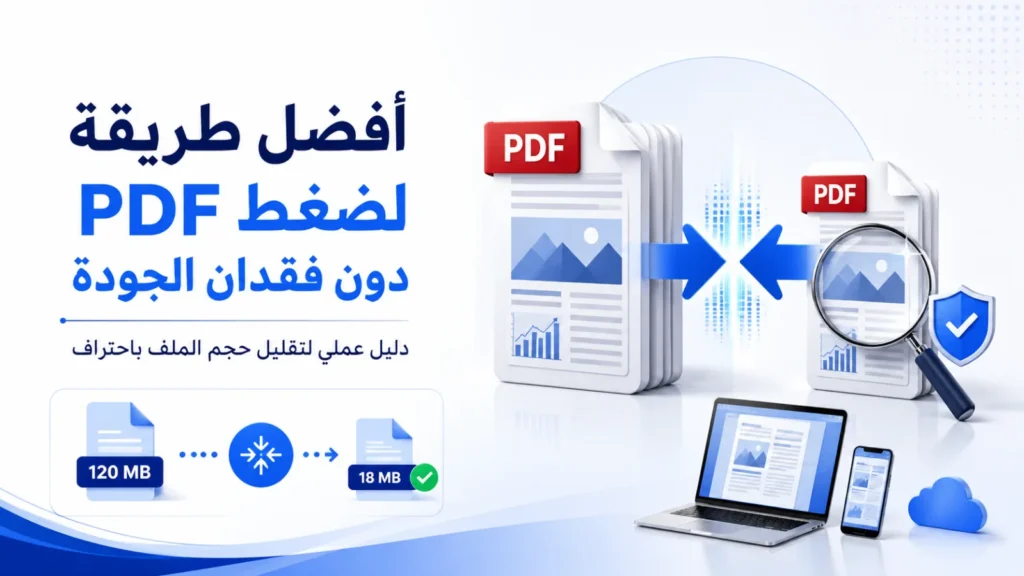
Learn how to reduce PDF file size while keeping text, images, charts, and scanned pages clear enough for reading, sharing, upload, or print.
Read Article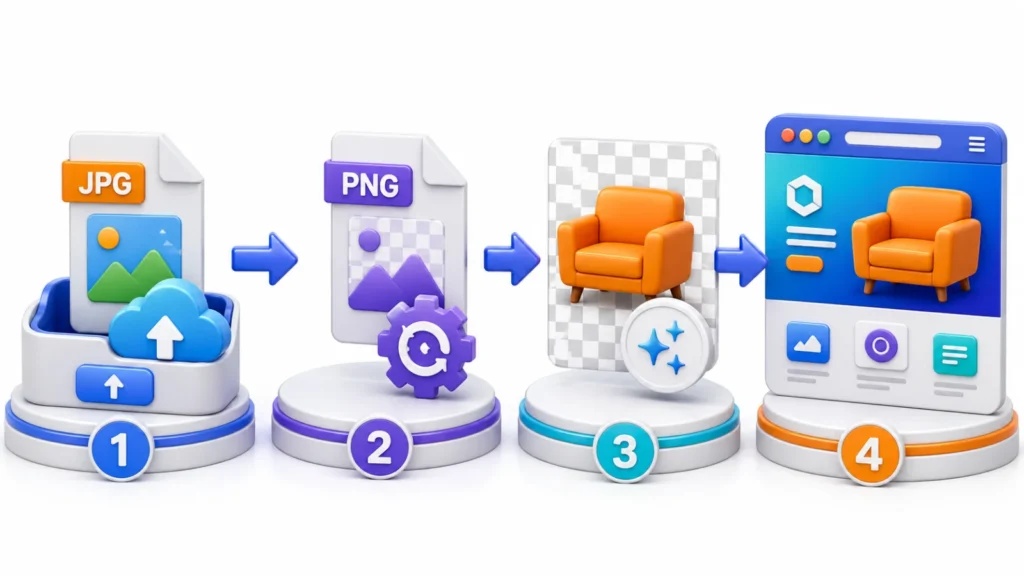
Learn the practical differences between JPG and PNG, what conversion can and cannot improve, and how to prepare images for transparent-background workflows.
Read Article
A complete guide to converting JPG, PNG, and WebP, compressing and resizing images, removing backgrounds, and preparing files for websites, stores, and social media.
Read Article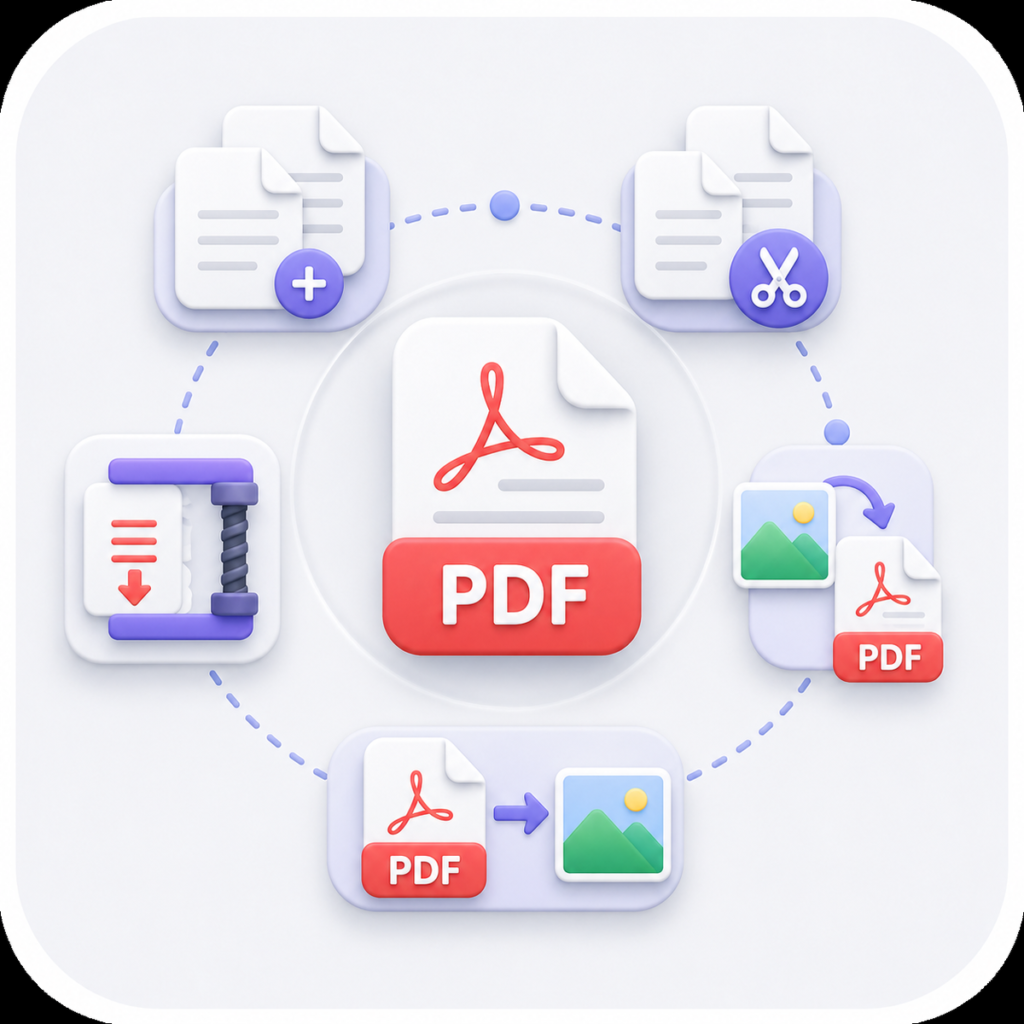
Learn how to compress, merge, split, rotate, delete, reorder, and convert PDF files online while preserving document quality and choosing the right workflow.
Read Article
Learn how to create, customize, size, test, print, and track a QR code, with practical guidance on static versus dynamic codes and common mistakes to avoid.
Read Article
Learn why broken links matter, how to check internal and external URLs, interpret HTTP responses, and fix link problems before they affect visitors.
Read Article
Learn how JSON formatting improves readability, exposes structure, highlights syntax problems, and makes nested API or configuration data easier to review.
Read Article
Learn how UTM parameters identify campaign traffic, how source, medium, and campaign fields work, and how to keep tracking links consistent and readable.
Read Article
A practical guide to writing useful meta descriptions that summarize page value clearly, fit search-result space, and avoid vague or repetitive wording.
Read Article
Learn how word and character counts help with publishing limits, assignments, metadata, social posts, and editing while keeping text concise and readable.
Read Article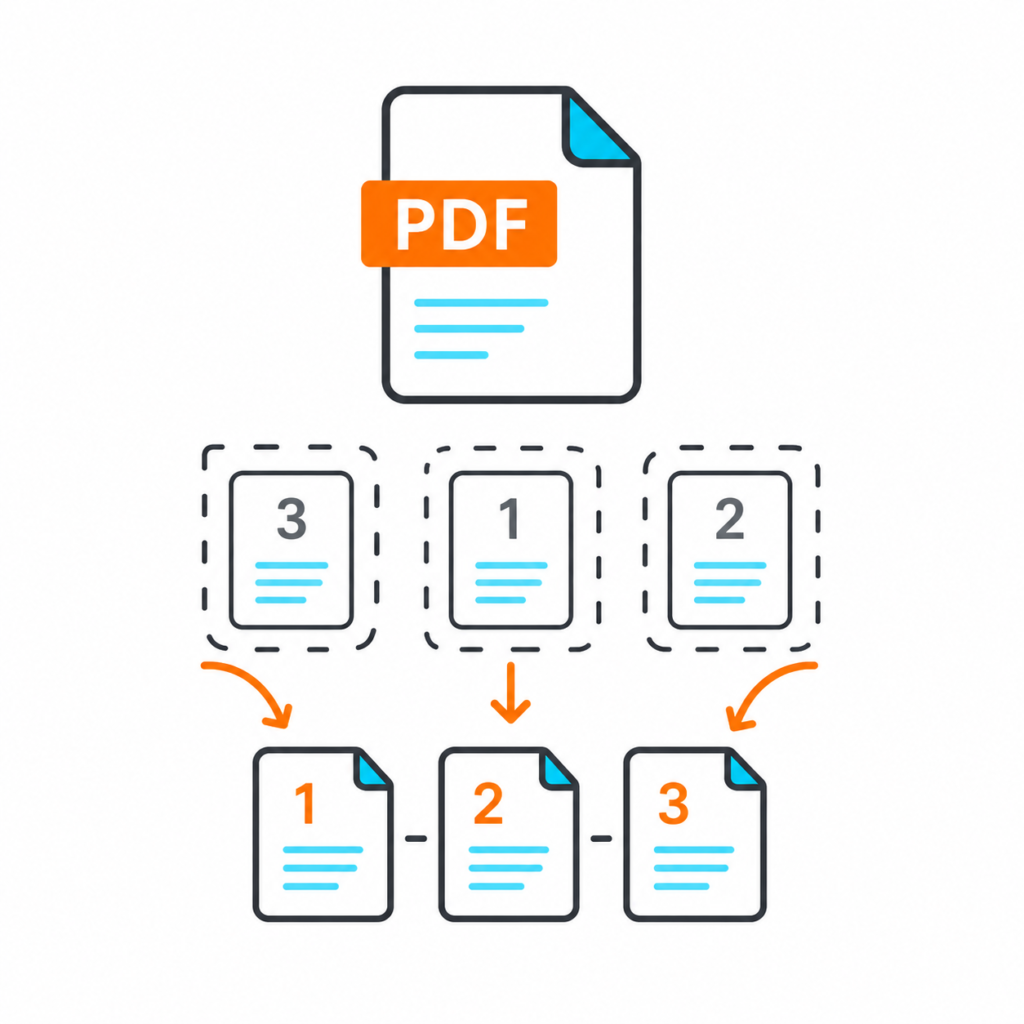
Learn how to choose between merging, splitting, deleting, reordering, rotating, and compressing PDF files to prepare a clean document before sending it.
Read Article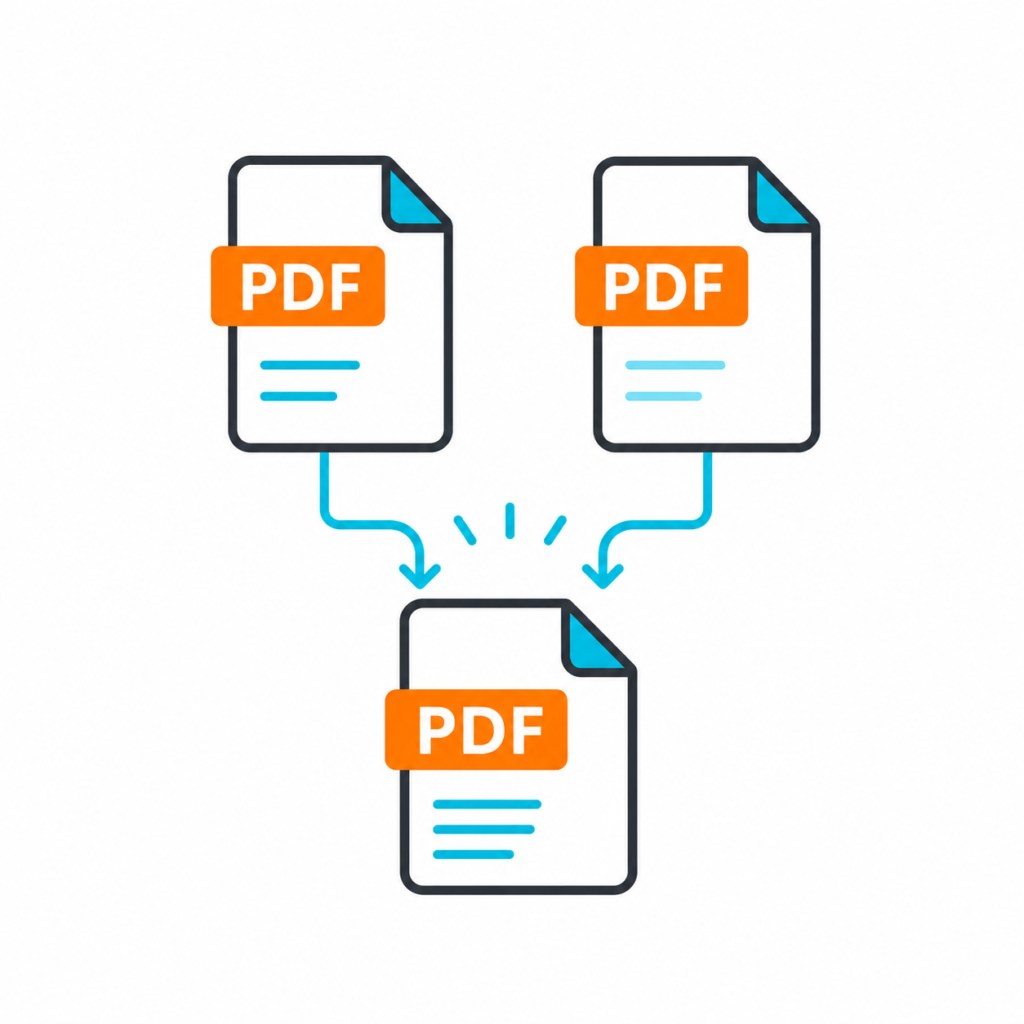
A practical guide to selecting and extracting specific PDF pages, checking page numbering, preserving the source, and creating a clean smaller document.
Read Article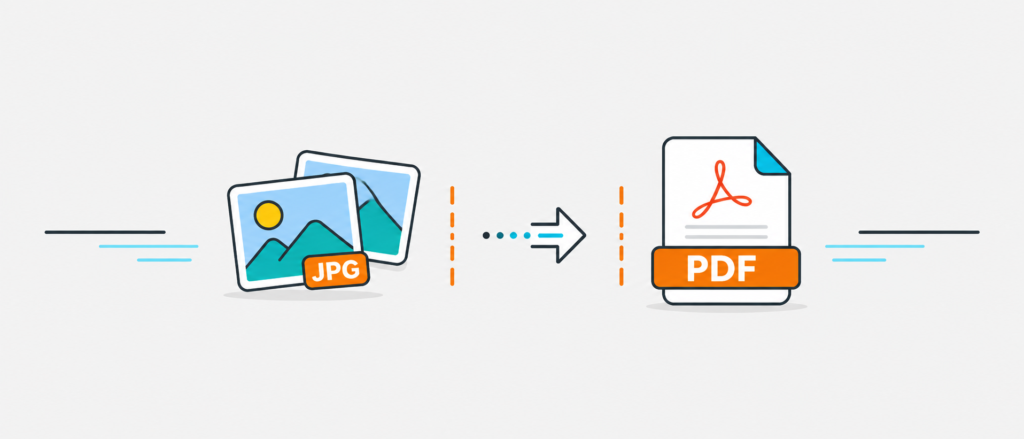
Learn how PDF-to-JPG conversion works, how resolution and compression affect the result, and how to choose suitable quality for sharing, design, or web use.
Read Article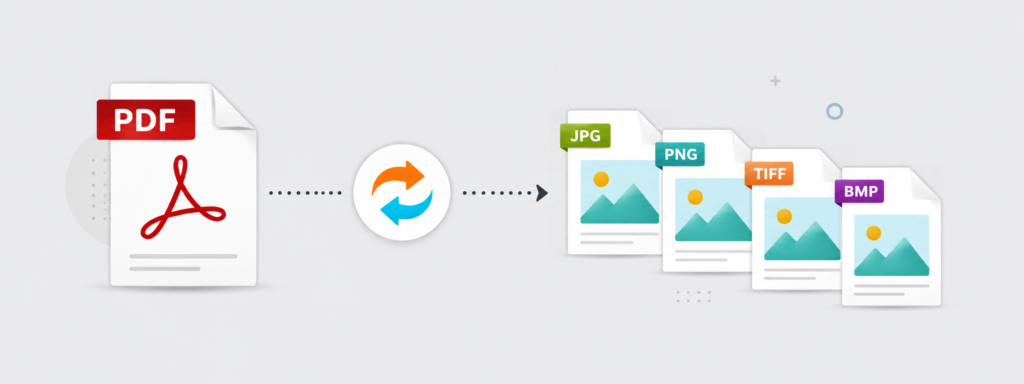
Learn when PDF-to-image conversion is useful, how resolution affects clarity and file size, and what changes when text becomes part of an image.
Read Article
Learn when converting JPG images to PDF creates a cleaner, more organized document for forms, applications, reports, records, and multi-page sharing.
Read Article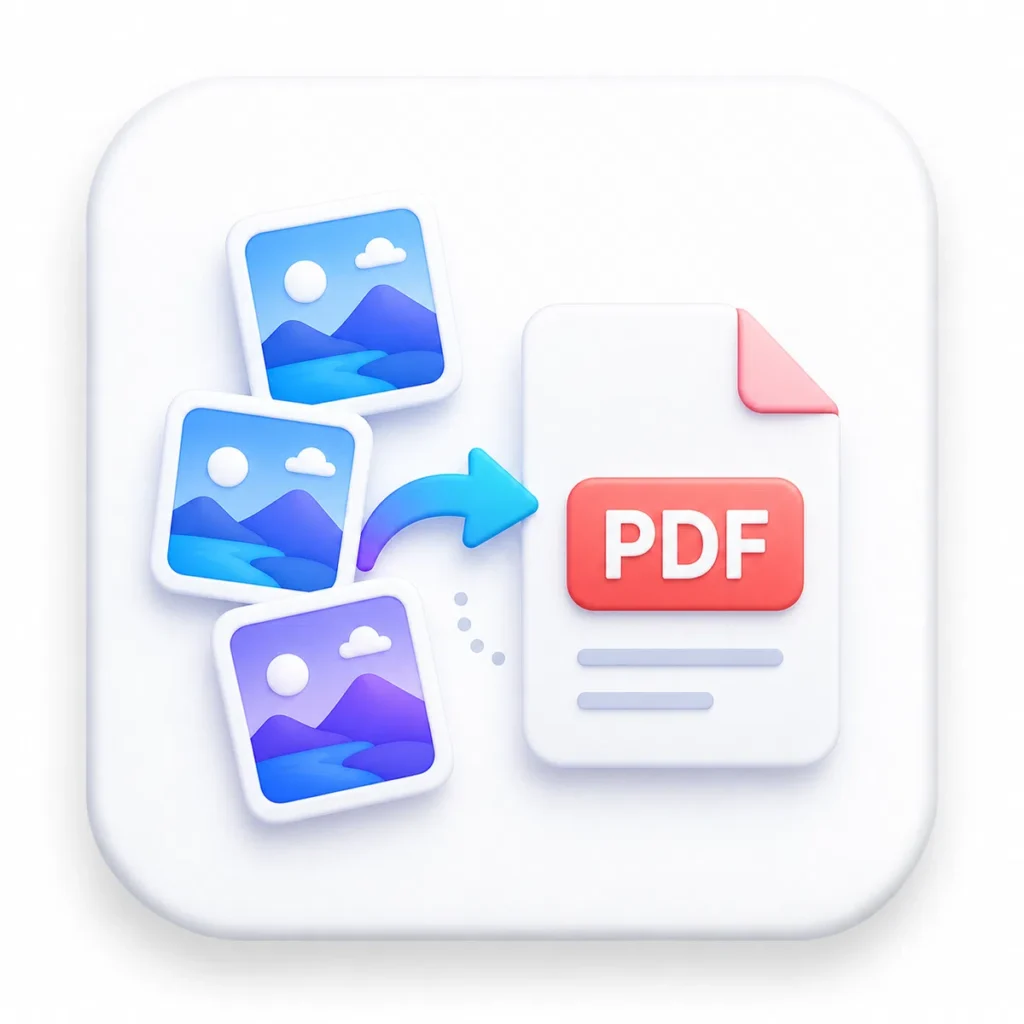
Learn how to organize JPG and PNG images, correct their order and orientation, and combine them into a clean PDF for sharing, submission, or archiving.
Read Article
A practical checklist for reducing PDF size before email or online submission while protecting readability, image quality, and the required document content.
Read Article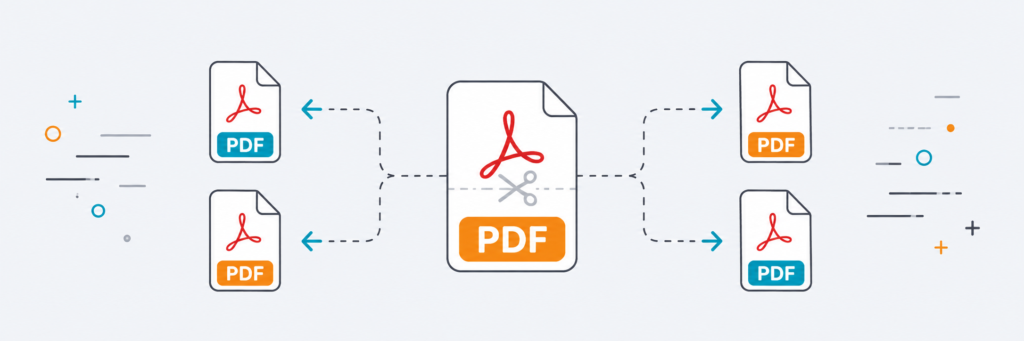
Learn when to split a PDF, extract selected page ranges, create smaller documents, and choose splitting instead of deleting or reorganizing pages.
Read Article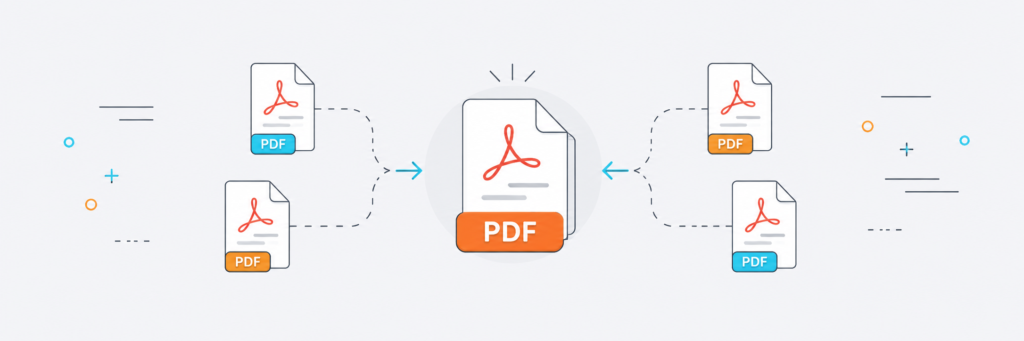
A practical guide to merging PDF files, arranging documents in the correct order, checking the final output, and avoiding common organization mistakes.
Read Article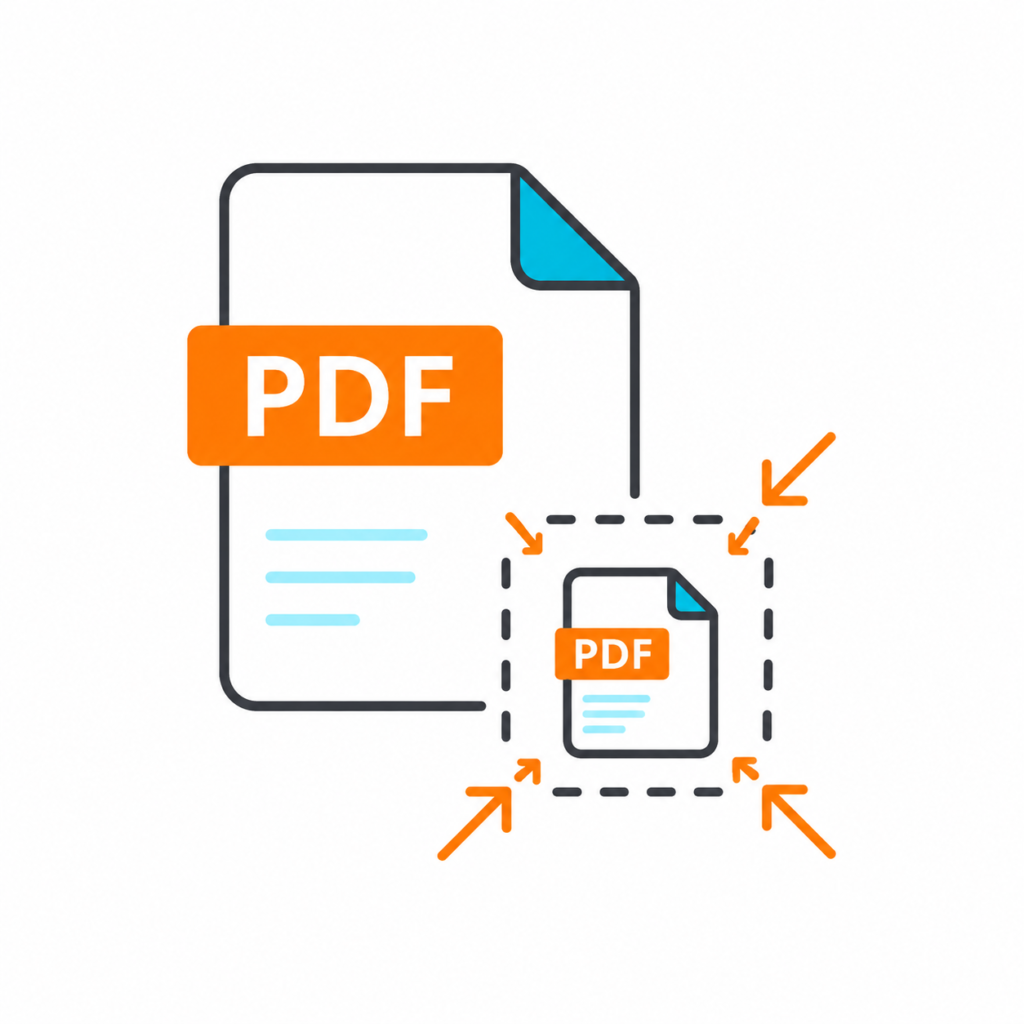
Learn what makes PDF files large, how compression affects text and images, and how to create a smaller file that remains clear enough for its intended use.
Read Article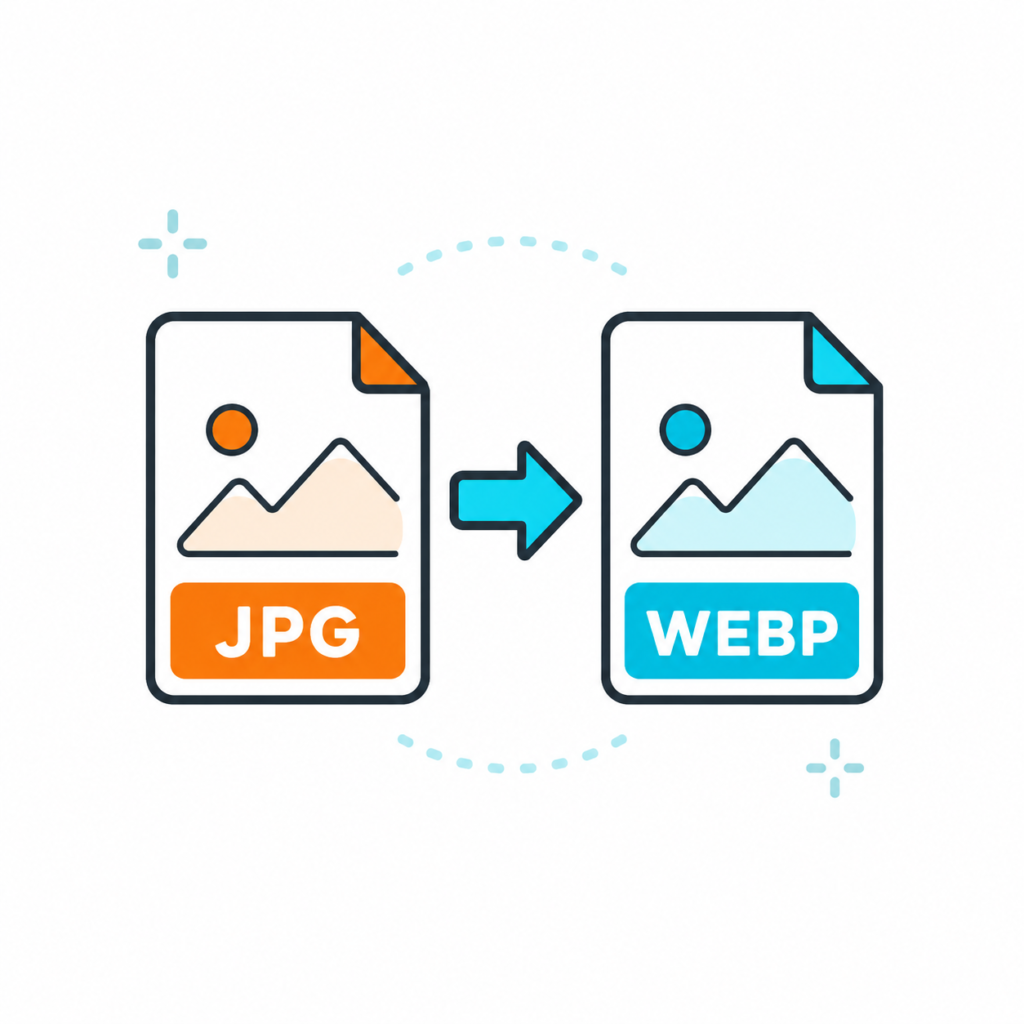
Compare JPG, PNG, and WebP by quality, transparency, file size, compatibility, and ideal use so you can choose the right format for each image.
Read Article
A practical guide to image dimensions, aspect ratio, resizing, cropping, and choosing suitable sizes for websites, stores, social media, and mobile screens.
Read Article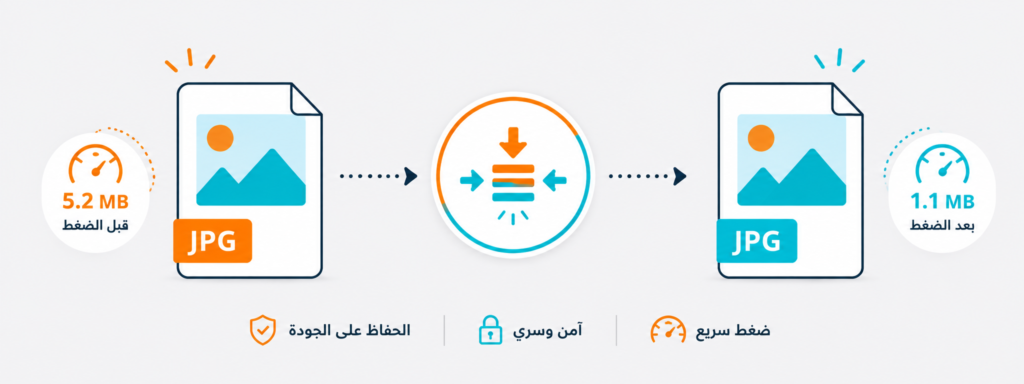
Learn how image compression works, what affects visual quality, and how to reduce file size for websites, sharing, and uploads without unnecessary degradation.
Read Article
Understand the practical differences between SVG and PNG icons, including scaling, file size, transparency, browser use, and the best format for each situation.
Read Article
Learn how to compare free icon libraries by visual consistency, formats, licensing, customization options, and suitability for websites and design work.
Read Article
A practical guide to choosing clear, consistent free icons and selecting SVG or PNG formats for websites, interfaces, and design projects.
Read Article