
PDF to Images · 9 min read
PDF to Images: When Should You Extract PDF Pages as Images?
Learn when PDF-to-image conversion is useful, how resolution affects clarity and file size, and what changes when text becomes part of an image.
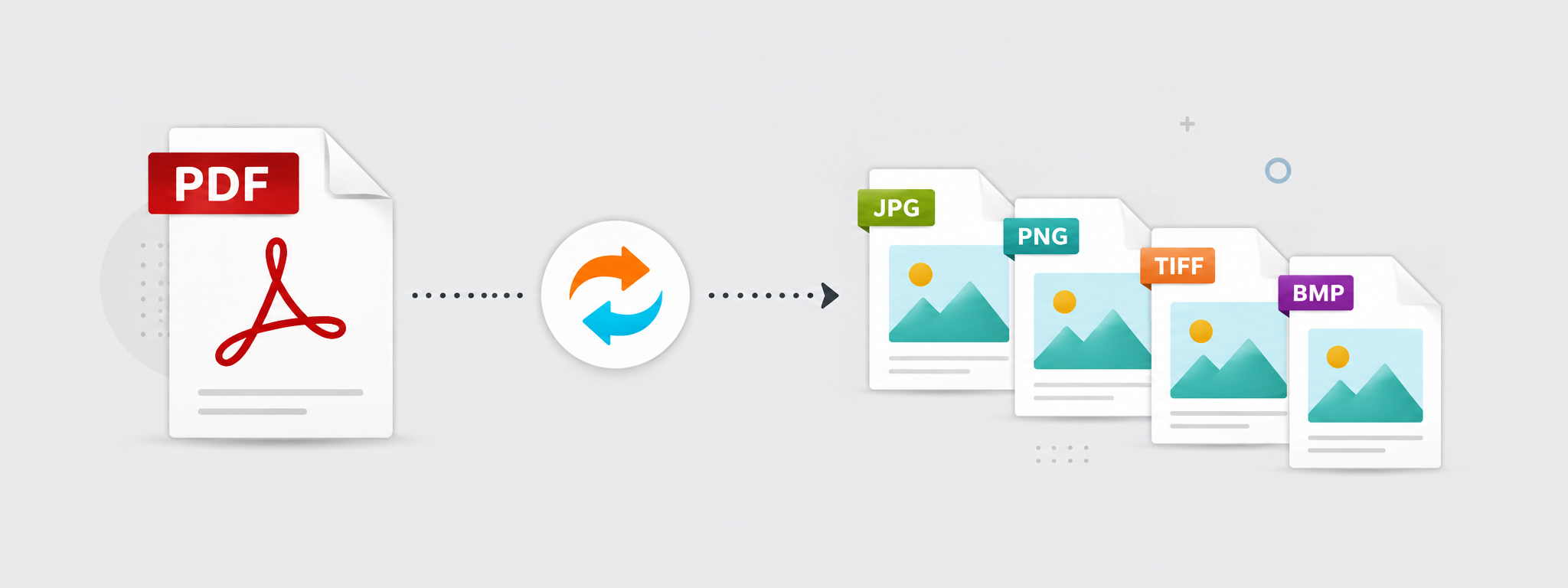
Sometimes you do not need an entire PDF as a document; you need one of its pages as an image. It may contain a table, advertisement, barcode, certificate, or design that you want to share quickly.
Converting PDF pages to images lets you extract those pages as image files that can be used in presentations, designs, archives, or everyday sharing.
In this article, we will explain when converting PDF to images is better than splitting the document and how to choose an appropriate output quality.
When should you convert PDF to images?
Use PDF-to-image conversion when you need to display a PDF page as an image or place it inside a design or presentation.
If your goal is to send an official document that should remain a readable PDF, splitting the document may be better. If you specifically need an image, conversion is the right path.
Should you always choose the highest quality?
High quality is useful when the page contains small text or fine details, but it also creates larger image files.
For quick sharing or on-screen viewing, medium quality may be enough. For print or design work, choose a higher quality level.
- Use higher quality for small text and fine details.
- Use medium quality for quick sharing.
- Check image file sizes after conversion.
- Compress the images if they become unnecessarily large.
When do you need PDF to JPG?
If you want a common image format that is easy to open, JPG can be a practical choice. Most devices, applications, and platforms handle it easily.
If you need transparency or a different image characteristic, another format may be more appropriate. Choose the output format based on the intended use.
What should you do after extracting the images?
After conversion, you may need to resize or compress the images before uploading them to a website or sending them. There is no reason to keep oversized files when the final use is simple.
Also check the readability of any text inside the image. If it is unclear, repeat the conversion at a higher quality setting.
Convert one page or every page?
If you only need one page, do not convert the entire PDF unnecessarily. Extract or select only the required page when the tool allows it.
This saves time and reduces the number of output files you have to manage.
PDF to images or extract a PDF page?
If you want the page as a standalone document, extract it as a PDF. If you need to use it inside a design, send it as an image, or insert it into a presentation, converting the page to an image is usually the better choice.
The difference is not only the tool; it is the result you need. PDF preserves the page as a document that is easy to read and print, while an image is easier to place inside chats, posts, and designs.
Before converting, define the goal: do you need an official document page or a reusable image? That decision helps you choose the right workflow from the start.
How should you handle the resulting images?
After converting PDF pages to images, do not assume every output file is ready to use. You may need to compress it, resize it, or keep only one page instead of saving all pages.
If the images will be used on a website, check their file sizes carefully because oversized images can slow the page. If they are for printing or design, you may need higher quality instead.
The best result comes from selecting only the pages you actually need and then optimizing the images for their final use.
Conclusion
Converting PDF to images is useful when you need a page as an image rather than a document. Choose the quality level based on the intended use, then compress or resize the image if you need a lighter file.
