
JSON Formatter · 9 min read
JSON Formatter: How to Read Data and Spot Errors
Learn how JSON formatting improves readability, exposes structure, highlights syntax problems, and makes nested API or configuration data easier to review.
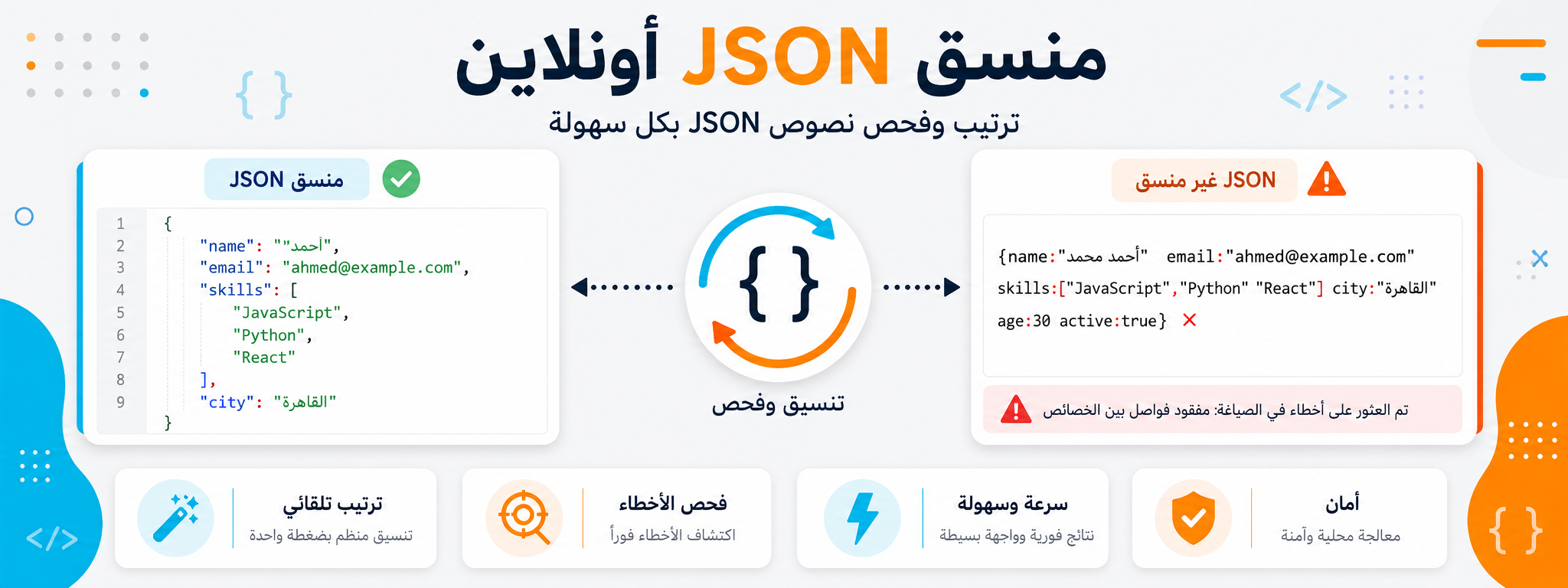
JSON appears frequently in APIs, application settings, analytics tools, and data files. But when it arrives as one long line, it can be difficult to read even when it is valid.
Formatting JSON turns the data into a structured layout with clear indentation and line breaks. This helps you understand relationships between elements, spot errors, and review values more quickly.
In this guide, we will explain when to use a JSON formatter, which errors are common, and how to review data without changing its meaning.
Why do you need to format JSON?
When data is not formatted, it can be difficult to see where one element begins and ends. Formatting makes the structure clear, especially when objects and arrays are nested.
This is useful for developers, but also for anyone using tools that return JSON data, including SEO, analytics, and integration tools.
Common JSON errors
Common errors include a missing comma, incorrect quotation marks, a bracket or brace closed in the wrong place, or an incomplete value.
Sometimes the mistake is tiny, but it prevents the entire file from being parsed. Formatting helps narrow down where the problem is located.
- Check nested braces and brackets.
- Make sure quotation marks are valid.
- Check commas between items.
- Do not change values until you understand the structure.
Does formatting change the data?
Proper formatting does not change the data itself; it only changes how it is displayed. Values remain the same, but the structure becomes easier to read.
Even so, if you copied the data from an untrusted source or edited it manually, review the result before using it in a real project.
When do you use JSON with other tools?
Sometimes you may need to decode Base64 text and then format the resulting JSON, or review an API URL before reading its response.
In these cases, use the appropriate tool for each step instead of trying to solve everything manually.
A practical review workflow
Paste the JSON into the formatter, format it, and then review the structure from top to bottom. Start with the main keys, continue through nested objects or arrays, and then inspect the values.
If you find an error, do not change everything at once. Fix one issue and validate the JSON again.
How do you read JSON after formatting it?
After formatting JSON, start with the top-level keys. They usually give you a quick idea of what kind of data you are looking at. Then move gradually into nested elements instead of trying to read the entire file at once.
If you find a long list, focus on one item and understand its structure. The remaining items are often similar. This is faster than reading every line with the same level of attention.
When reviewing an API response, pay attention to important fields such as status, error, or data because they often indicate whether the operation succeeded and where a problem may be located.
Formatting JSON in everyday work
You may need to format JSON while checking plugin settings, reviewing an API response, analyzing output from an SEO tool, or understanding an integration between two platforms.
Instead of sharing unreadable raw data, format it first and then share only the relevant section. This makes discussions with developers or team members faster and clearer.
Conclusion
Formatting JSON makes data clearer and easier to review. Use it to understand structure, identify errors, and prepare data before using it in a project or tool.
