
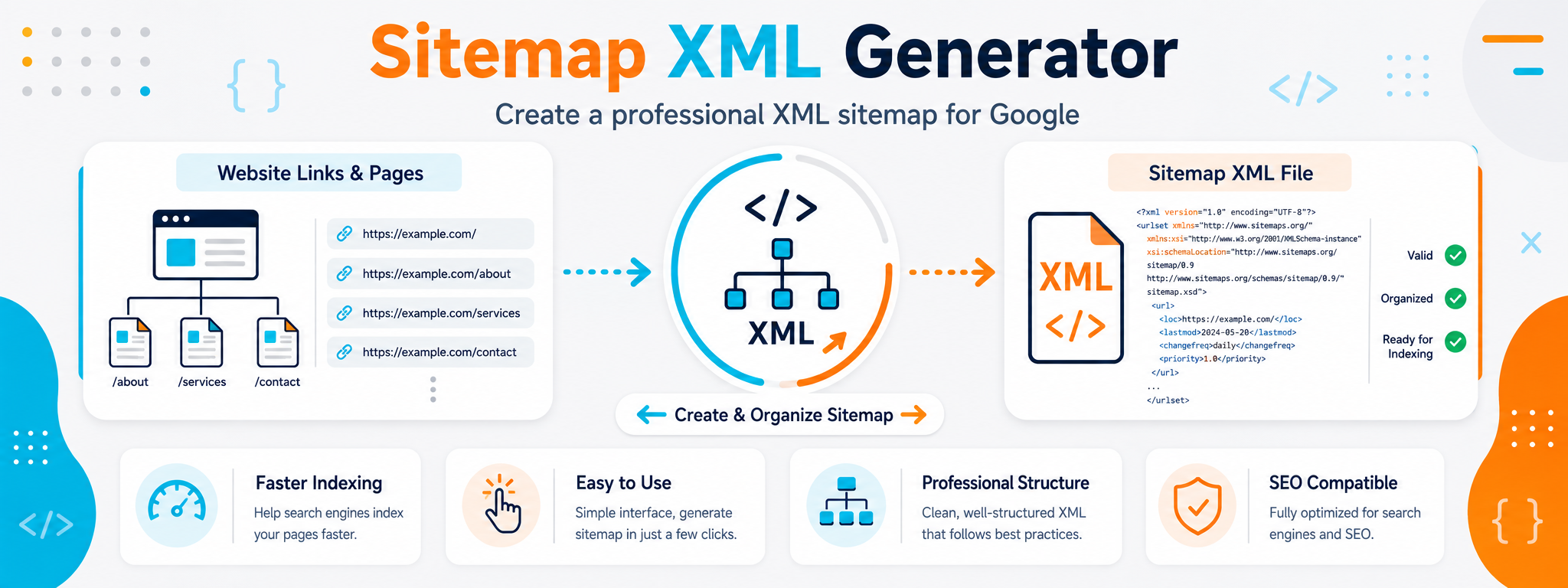
Create a Clear XML Sitemap That Helps Search Engines Discover Your Pages
An XML sitemap is a structured file containing the URLs you want search engines to know about. Instead of relying only on crawlers following internal links, a sitemap gives search engines a direct list of pages you consider important and discoverable.
The XML Sitemap Generator helps you create this structure without writing XML tags manually. Add the URLs you want to include, review them, and generate a file that can be placed on your website and submitted through webmaster tools such as Google Search Console.
Having a sitemap does not guarantee that every URL will be indexed, and it does not improve rankings by itself. Its main purpose is to make URL discovery easier and help search engines understand which pages you want included as part of your website structure.
When Does a Sitemap Become More Important?
Small and large websites can both benefit from a sitemap, but it becomes especially useful when some pages are difficult to reach through internal links or when the website changes frequently.
New Websites
A new website may have few external links, so a sitemap can provide search engines with a direct list of its URLs.
Large Websites
When a website contains many pages, providing an organized list of the URLs you want search engines to discover can be helpful.
Deep Internal Pages
Some pages may be several levels away from the homepage or receive few internal links. A sitemap helps make their existence clearer.
Frequently Updated Content
When pages are added or updated regularly, accurate modification data can provide clearer signals about meaningful changes.
Multiple Content Sections
Websites combining articles, tools, products, or different content types may benefit from organizing their URLs across multiple sitemap files.
Technical Structure Reviews
Creating a sitemap forces you to decide which URLs are important, which can also help reveal outdated or duplicate URLs during a technical review.
The Main Elements You Should Understand in an XML Sitemap
A sitemap does not need dozens of fields to be useful. The essential element is the correct URL, while modification dates can be included when that information is accurate.
loc
Contains the complete URL of the page you want to include in the sitemap. Use an absolute URL including the protocol and domain rather than only a relative path.
lastmod
An optional field indicating when the page was last meaningfully modified. Its value is useful only when it reflects an actual content update rather than the time the sitemap file was generated.
Sitemap Index
Used to organize multiple sitemap files under a single index when a website is large or when you want to separate different content types into individual sitemaps.
Which Fields Matter in an XML Sitemap?
Not every sitemap tag has the same importance. The page URL is essential, and lastmod can be useful when accurate. Google does not use priority or changefreq to determine crawling.
| Element | Status | Purpose | Practical Note |
|---|---|---|---|
| <loc> | Required | Defines the page URL. | Use the complete and correct URL. |
| <lastmod> | Optional | Indicates the most recent meaningful modification. | Use it only when the value is trustworthy. |
| <changefreq> | Optional | Describes expected update frequency according to the Sitemap protocol. | Google does not use this value to determine crawling frequency. |
| <priority> | Optional | Represents a relative value within the Sitemap protocol. | Google ignores it and it does not improve ranking priority. |
How to Create an Organized XML Sitemap
Start with the URLs you want to treat as the primary versions of your pages, then generate the sitemap and review it before publishing or submitting it to a search engine.
Collect the URLs
Identify the URLs you want included and avoid duplicate, outdated, or inappropriate pages that should not be indexed.
Enter the Data
Add the complete URLs and optionally include lastmod when you have an accurate modification date for each page.
Generate the XML
Create the file and review its structure, encoding, and URLs before using it.
Publish and Submit the Sitemap
Place the Sitemap at an appropriate location on your website, then submit its URL through Google Search Console when needed.
What Should You Review Before Publishing a Sitemap?
A good sitemap depends on URL quality, not quantity. Including pages you do not want indexed, redirected URLs, or non-canonical URLs adds noise instead of improving discovery signals.
Make sure all URLs are complete, use the correct protocol and domain, and represent the canonical versions you want shown in search results.
Confirm that included pages are crawlable and do not return errors or unnecessary redirects.
Use lastmod only when you can update it accurately after a meaningful change to the page rather than changing it automatically without reason.
What Should You Do When a Sitemap Becomes Too Large?
The Sitemap protocol defines limits for file size and the number of URLs. When those limits are exceeded, do not try to force everything into a single file. Split your sitemaps and use a Sitemap Index to organize them.
Up to 50,000 URLs
A single Sitemap file can contain up to 50,000 URLs within the standard limit.
Up to 50 MB
A single uncompressed Sitemap file should not exceed 50 MB.
Split by Content Type
Articles, pages, products, or different site sections can be separated into individual sitemap files to make management and monitoring easier.
Use a Sitemap Index
A Sitemap Index contains the URLs of multiple sitemap files and gives you a single point for submission and management.
Use UTF-8
Sitemap files should use UTF-8 encoding, with XML values written and escaped correctly.
Choose an Appropriate Sitemap Location
Placing the Sitemap at the website root is a practical option because it can cover the site's paths within the normal scope of the Sitemap protocol.
Mistakes That Reduce Sitemap Quality
The problem is usually not the XML syntax itself, but the URLs selected or modification data that is updated inaccurately.
Including non-canonical, outdated, or duplicate URLs instead of focusing on the pages you want treated as primary versions.
Using an inaccurate lastmod date or updating it every time the sitemap is regenerated even when the page itself has not changed.
Assuming that changing priority or changefreq will force Google to crawl a page or give it a higher ranking.