
merge PDF files · 9 min read
Merge PDF Files: When to Combine Documents and How to Order Pages
A practical guide to merging PDF files, arranging documents in the correct order, checking the final output, and avoiding common organization mistakes.
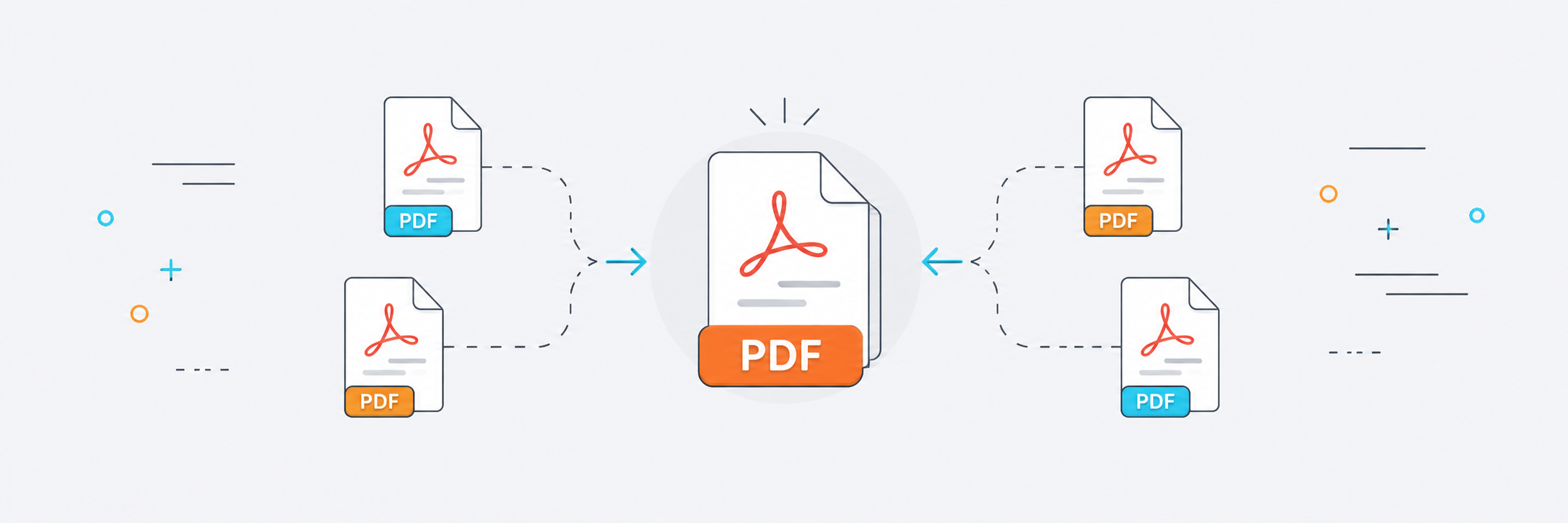
Instead of sending five separate PDF files, it is often better to combine them into one organized document. This makes the material easier to read, reduces the chance that an attachment will be missed, and presents the documents more professionally.
But merging PDFs is not simply a matter of stacking files together. Order matters. An ID document may need to come before an application, an invoice before a receipt, or an introduction before supporting attachments. A poor page order can make the final file confusing.
In this article, we will explain when to merge PDF files, how to arrange them before merging, and when compression or splitting may be useful afterward.
When should you merge PDF files?
Merge files when they belong to the same task or subject. Examples include application documents, registration papers, invoices, reports, or study materials that need to be sent as one document.
A merged PDF lets the recipient open one file instead of moving between several attachments. This is especially helpful when sending documents to an official organization, a client, or a work team.
That does not mean every file should always be merged. If the documents cover unrelated subjects, keeping them separate may be clearer.
How should you arrange files before merging?
Before merging, place the files in the order you want the recipient to read them. Do not rely only on file names, because upload or selection order can differ from what you expect.
Start with the main document, then add supporting pages or attachments. If there is a cover page or introduction, place it first. Receipts or supporting images often make more sense near the end.
After merging, open the final PDF and review it quickly. That simple check can prevent you from sending a document with pages in the wrong order.
- Arrange the files before starting the merge.
- Place the main document first.
- Review the final PDF before sending it.
- Use clear file names before merging.
When should you compress a PDF after merging?
The merged file may become large, especially if the source documents contain images or scanned pages. In that case, compress the PDF after confirming that the order is correct.
You do not always need to compress each file before merging. In many cases it is simpler to merge first and compress the final document once, which can also reduce the risk of unnecessary quality loss from repeated processing.
When is splitting better than merging?
If you already have one large PDF and only need part of it, merging is not the answer. You need to split the PDF or extract the required pages instead.
Merging is for combining related documents. Splitting is for reducing a long document to the specific part you need. Understanding the difference saves time and avoids creating unnecessary files.
Combining images into a PDF
Sometimes you are not starting with PDF files at all, but with images: ID photos, receipts, scanned papers, or pages photographed with a phone. In that case, you can convert the images to PDF and then arrange or combine them into one document.
Before conversion, make sure the images are clear and as straight as possible. Their quality will directly affect the quality of the final PDF.
Practical PDF merging scenarios
PDF merging is useful for applications that require several documents, such as a form, ID, receipt, certificate, and supporting attachments. Instead of sending each item separately, you can combine them into one clear file.
At work, you may need to merge a report with invoices or appendices. For study, you may combine an assignment with references or photographed pages. The key is that the final document should make sense to the person receiving it.
If the merged file is large, do not assume the merge itself caused the problem. One or more source files may contain oversized images. Once the merge is complete, compress the final PDF once.
When is merging not the best option?
Merging is useful when documents belong together, but it is not always appropriate. If the files cover different subjects, sending them separately may be clearer, especially when the recipient needs to review each file independently.
Avoid merging a very long document with small unrelated files without a reason. Too much merging can make the final PDF harder to navigate and force readers to search through unnecessary pages.
Use merging when it improves organization. If it makes the file heavier or less clear, consider reorganizing the documents or extracting only the pages that are actually needed.
Conclusion
Merging PDF files gives you one document that is easier to organize and share. Arrange the files before merging, review the final result, and compress it afterward if the size is too large. This produces a clearer, more manageable document.